What does “Rent GPU” mean at Plugsky?
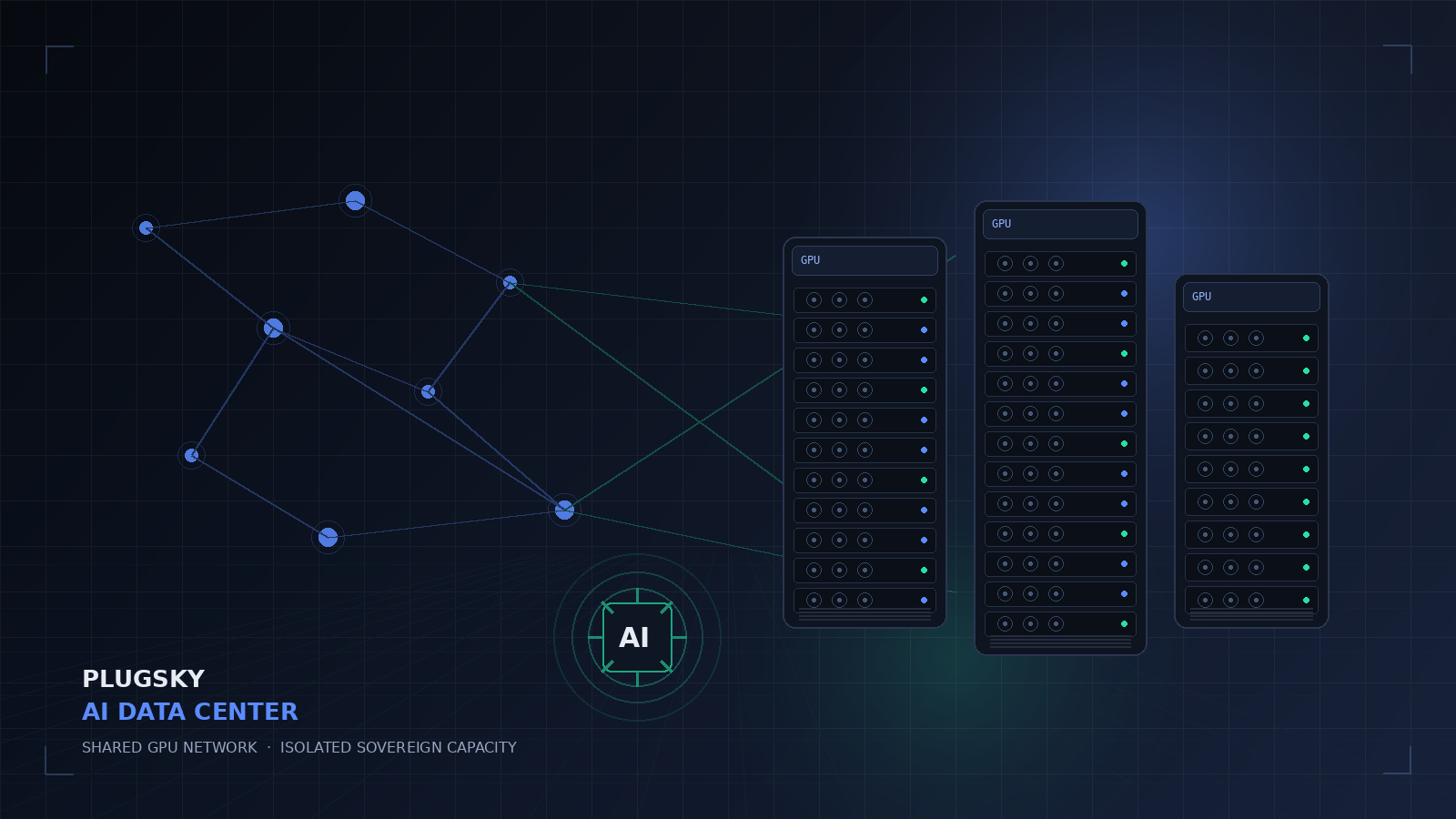
Plugsky lets you rent GPU capacity for AI inference and training, or rent out your own GPU and earn 60% of the revenue Plugsky routes to it. Shared GPU inference is token-priced; dedicated and isolated sovereign environments are available for enterprises.
Can I rent a GPU by the hour?
Shared GPU inference is priced by tokens at $0.30 input and $2.40 output per 1M tokens, not by the hour. Dedicated whole-GPU and isolated sovereign deployments are quoted per deployment.
Can I rent out my own GPU?
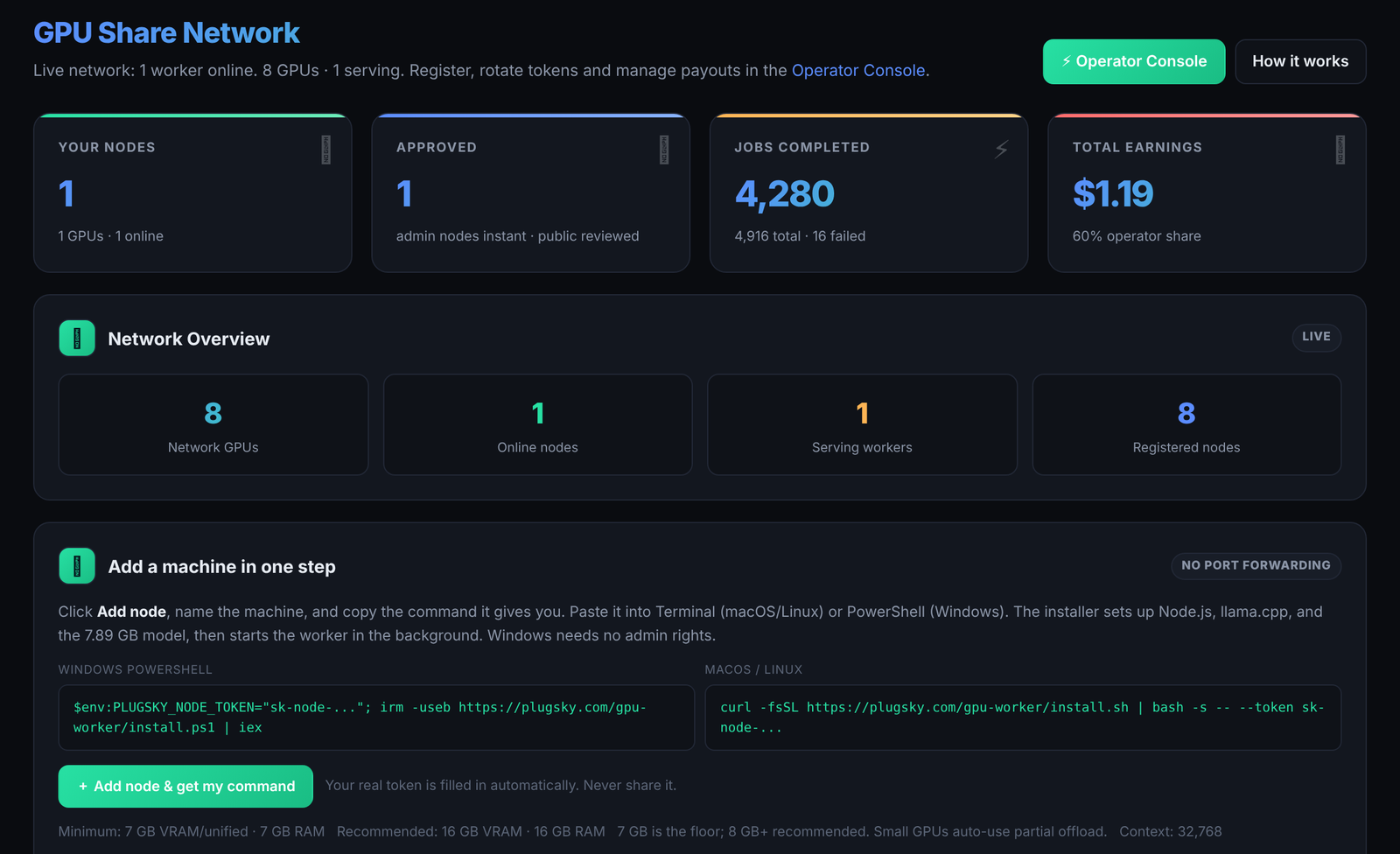
Yes. Register a compatible macOS, Linux, or Windows machine at plugsky.com/nodes, run the preflight, install the worker, and after approval it can receive non-sensitive inference jobs. Operators keep 60% of routed revenue.
What hardware do I need?
The current Plugsky GPU 27B model needs at least 7 GB of VRAM or unified memory and 7 GB of system RAM. 16 GB is recommended; 32K context needs 16 GB or more. Minimum throughput is 4 tokens per second, with 12 tokens per second recommended.
How much can I earn?
Earnings depend on how many tokens Plugsky routes to your node, your uptime, and your share of total demand. Operators keep 60% of the customer price. The calculator above shows the math for your own token-volume estimate; it is illustrative, not a guarantee.
How does the 60/40 split work?
The customer pays the published token price. 60% goes to the GPU operator and 40% is Plugsky's gross platform share, before payment processing. Stripe fees are deducted from the platform side, not from the operator.
Is my data isolated on Plugsky GPUs?
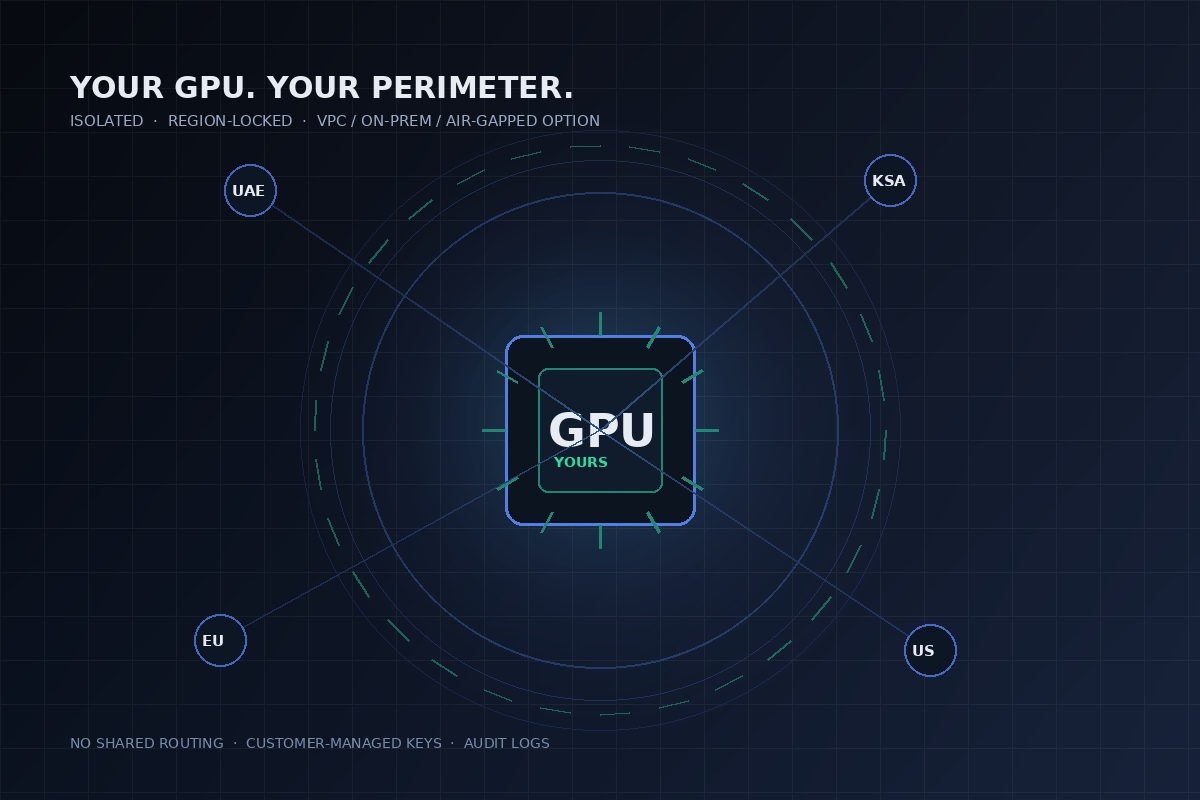
The shared GPU network is for non-sensitive workloads and classifies payloads before routing. For sensitive data, Plugsky offers dedicated and isolated sovereign environments: private tenant, region-locked routing, VPC, on-prem, or air-gapped deployment, with customer-managed keys and audit logs.
Can I use my own GPU in an isolated sovereign environment?
Yes, by arrangement. Plugsky can deploy its control plane and OpenAI-compatible API into your environment while your GPU hardware stays inside your perimeter. This is an enterprise-scoped deployment, not the public shared network.
Is the shared GPU network safe for sensitive data?
No. The shared network is explicitly for non-sensitive workloads. Regulated, confidential, or customer data should use a dedicated or isolated sovereign environment.
Which regions are available?
Plugsky serves the GCC and global routes, with UAE/GCC and other regions available depending on the deployment. Enterprise customers can require region-locked or in-country routing.
How do payouts work?
Earnings are tracked per job in the operator console. Payouts run monthly through Stripe Connect, with a $50 minimum payout. Operators need a connected Stripe account.
Do I need to open inbound ports?
No. The worker is outbound-only. It does not require an inbound port or a public endpoint.
Can I use the GPU for training or fine-tuning?
The shared network is for inference. Training and fine-tuning are available on dedicated or isolated sovereign deployments by arrangement.
How do I start?
For capacity, create a Plugsky account and connect through the OpenAI-compatible API. For your own GPU, run the preflight and register at /nodes. For a dedicated or sovereign quote, contact the GPU team.