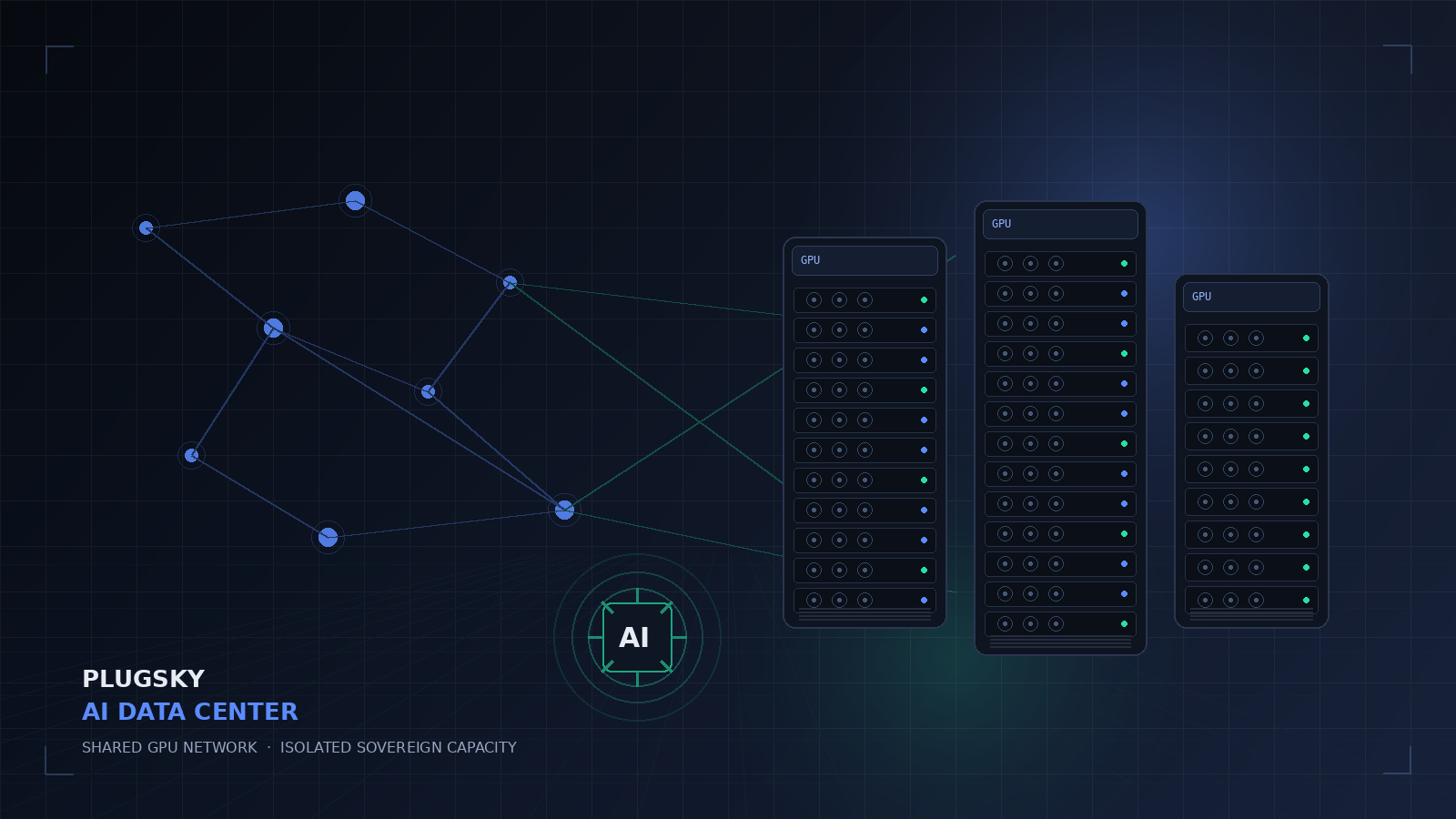
Key facts
| What “Rent GPU” can mean | Hourly whole-GPU cloud, token-priced inference, or a contributed GPU network |
| Plugsky shared GPU price | $0.30 input / $2.40 output per 1M tokens |
| Operator share | 60% of routed customer revenue; 40% gross platform share |
| Minimum GPU | 7 GB VRAM / unified memory, 7 GB RAM; 16 GB recommended |
| Shared model | Plugsky GPU 27B · 32K context · tools · JSON |
| Data boundary | Shared network: non-sensitive workloads only. Isolated sovereign option for sensitive data. |
| Payouts | Monthly Stripe Connect, $50 minimum |
| Product status | Live |
TL;DR
- Hourly GPU rental wins for sustained, predictable workloads and training, where you can keep the hardware busy.
- Token-priced inference wins for bursty chat, RAG, and agents because you do not pay for idle GPU hours.
- Plugsky’s shared GPU network pays operators 60% of routed revenue and gives buyers an OpenAI-compatible API.
- The shared network is not for sensitive data. Use a dedicated, VPC, on-prem, or air-gapped environment for that.
- You can bring your own GPU into an isolated sovereign deployment; your hardware stays in your perimeter.
Three things people mean by “rent GPU”
The phrase is overloaded, and that causes bad comparisons. A whole-GPU cloud instance is billed by the hour or second. A token-priced API is billed by usage. A contributed GPU network is a marketplace where owners supply hardware and a platform routes work to it. They solve different problems.
| Model | You pay for | Best fit | Main risk |
|---|---|---|---|
| Hourly GPU cloud | GPU time, storage, egress, ops | Training, fine-tuning, steady high utilization | Idle hours; you run serving and monitoring |
| Token-priced inference | Input and output tokens | Chat, RAG, agents, bursty traffic | Per-token cost at very high sustained volume |
| Contributed GPU network | Tokens routed to verified nodes | Cost-sensitive inference; owners monetize idle GPUs | Non-sensitive workloads only; supply varies |
What whole-GPU time costs in 2026
Published hourly rates are a useful anchor. The table below uses public list prices from Runpod and Lambda, checked on 2026-10-27. Rates change with supply, commitment, region, and taxes.
| GPU | VRAM | Published hourly range | Source |
|---|---|---|---|
| RTX 4090 | 24 GB | $0.34 – $0.89 / hr | Runpod |
| RTX 5090 | 32 GB | $0.69 – $1.19 / hr | Runpod |
| A100 80GB | 80 GB | $1.19 – $1.79 / hr · $1.99 – $2.79 / hr | Runpod · Lambda |
| H100 80GB | 80 GB | $1.99 – $3.99 / hr · $3.99 / hr | Runpod · Lambda |
| H200 | 141 GB | $3.59 – $5.29 / hr | Runpod |
| B200 | 180 GB | $5.98 – $7.99 / hr · $6.69 / hr | Runpod · Lambda |
These are whole-GPU prices. They exclude the engineering time to serve a model, monitor it, handle failover, and keep utilization high. A GPU that sits idle still bills. That is the hidden cost that makes “$0.34/hr” look cheaper than it is for bursty workloads.
Where Plugsky fits: token-priced shared GPUs
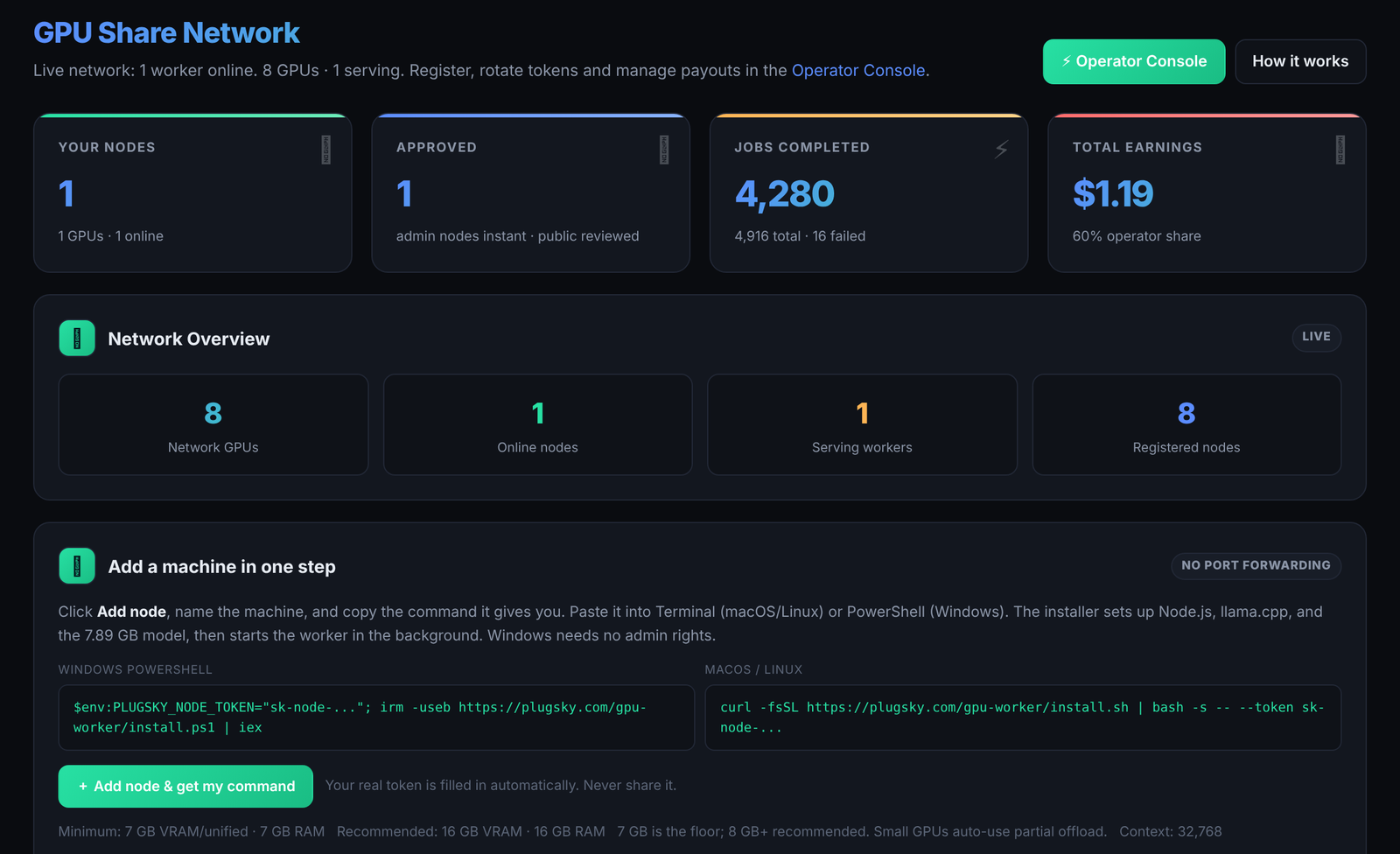
Plugsky’s shared GPU network is built for inference, not for renting a bare-metal GPU by the hour. Buyers pay $0.30 per 1M input tokens and $2.40 per 1M output tokens. GPU owners keep 60% of the customer revenue; Plugsky keeps 40% as a gross platform share before payment processing. Stripe fees come from the platform side, not the operator.
The current shared model is Plugsky GPU 27B: a 27B, IQ2-mix, Apache-2.0 model with a 32K context window, tools, JSON mode, and streaming after completion. A worker needs at least 7 GB of VRAM or unified memory and 7 GB of system RAM; 16 GB is recommended for headroom and 32K context. The minimum throughput is 4 tokens per second, with 12 tokens per second recommended.
If a node serves 500M input and 100M output tokens in a month at 100% routing, the customer value is $390. The operator earns 60% = $234; at 60% routed utilization, the operator earns $140.40. Use the live calculator with your own volume.
The trade-off is straightforward: token pricing removes the idle-hour risk for the buyer, and the operator carries the utilization risk. That is why the shared network pays 60% rather than a fixed hourly rate.
When hourly GPU rental still wins
Hourly infrastructure is the right tool when you can keep it busy. Training, fine-tuning, batch jobs, video rendering, and steady production inference can justify a dedicated GPU. You also get full control of the runtime, custom CUDA builds, and the ability to run any model you want.
Token-priced inference is the better default for interactive chat, RAG, agents, and spiky traffic. You avoid paying for idle capacity, and you do not need a serving stack, watchdog, or GPU operations team. The honest answer is to model your own utilization: if the GPU is busy most of the month, hourly can win; if it is bursty, token pricing usually wins.
When you need an isolated sovereign GPU
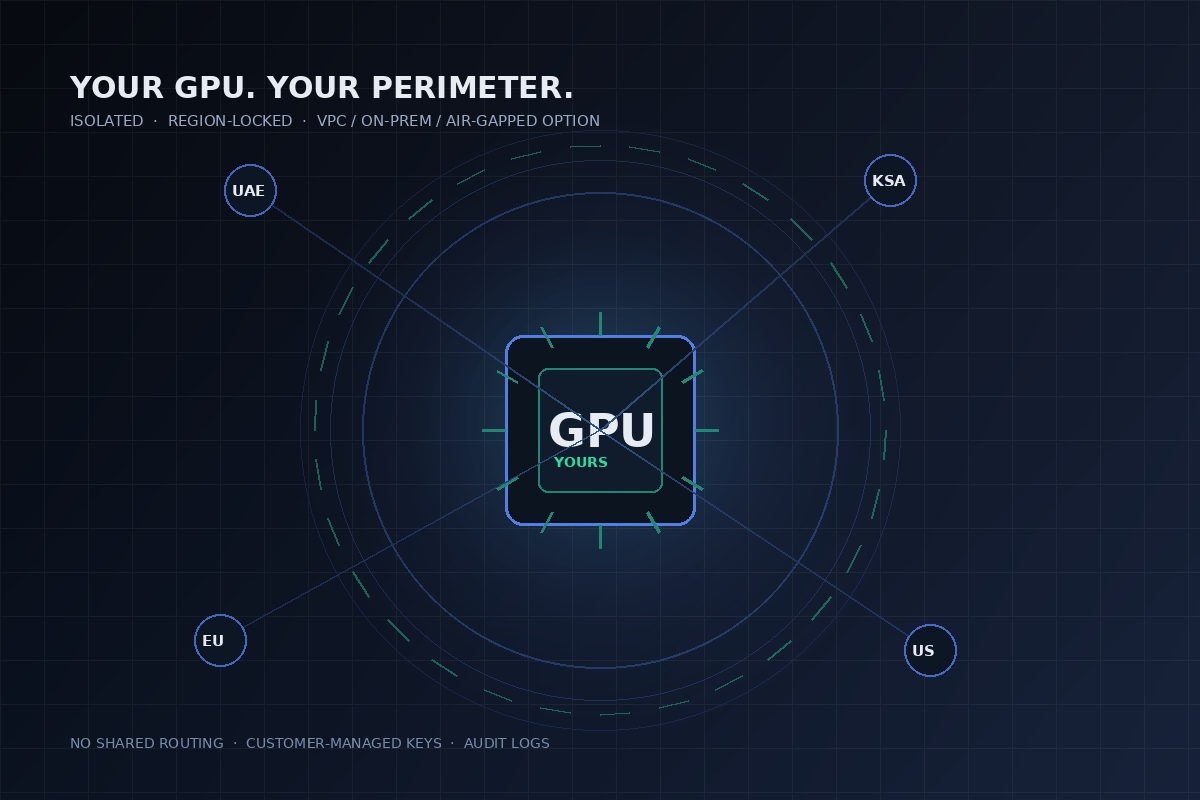
The shared GPU network is explicitly for non-sensitive workloads. Every payload is classified before routing, but shared consumer hardware is not the right place for regulated, confidential, or customer data. For those workloads, Plugsky offers dedicated and isolated sovereign environments:
- Dedicated GPU node — reserved capacity, not shared with other tenants.
- Private VPC — run inside your cloud account or network boundary.
- On-prem — keep inference in your own data center.
- Air-gapped — fully disconnected deployment for defense and critical infrastructure.
- Bring your own GPU — your hardware stays yours; Plugsky provides the control plane, API, metering, and support.
These deployments are scoped per environment and quoted separately. They are not the public shared network, and they are not self-serve. If you need region-locked routing, customer-managed keys, audit logs, or a DPA, start with the GPU team.
How to start
- Rent capacity: create a Plugsky account and connect an OpenAI-compatible client to
https://api.plugsky.com/v1. - Rent out a GPU: run the preflight, register at /nodes, install the worker, and wait for approval.
- Need isolation: talk to the GPU team about a dedicated, VPC, on-prem, or air-gapped deployment.
- Model the economics: use the earnings calculator and the GPU cloud cost calculator before committing.
Frequently asked questions
What is the cheapest way to rent a GPU for AI?
It depends on utilization. Hourly GPU rental is cheaper for sustained, predictable workloads and training. Token-priced inference is cheaper for bursty chat, RAG, and agent traffic because you do not pay for idle GPU hours. Model both with your own utilization and token volume.
Can I rent out my own GPU on Plugsky?
Yes. Plugsky accepts compatible macOS, Linux, and Windows machines with at least 7 GB of VRAM or unified memory and 7 GB of RAM. 16 GB is recommended. Operators keep 60% of routed revenue, with monthly Stripe payouts and a $50 minimum.
How much does Plugsky GPU inference cost?
Shared GPU inference is priced at $0.30 per 1M input tokens and $2.40 per 1M output tokens. Dedicated and isolated sovereign GPU deployments are quoted per environment.
Is the shared GPU network safe for sensitive data?
No. The shared network is for non-sensitive workloads only. Regulated, confidential, or customer data should use a dedicated or isolated sovereign environment with region-locked routing, customer-managed keys, and audit logs.
Can I use my own GPU in an isolated environment?
Yes, by arrangement. Plugsky can deploy its control plane and OpenAI-compatible API into your VPC, on-prem environment, or air-gapped network while your GPU hardware stays inside your perimeter.
Do I need to open ports for the GPU worker?
No. The worker is outbound-only and does not require an inbound port or a public endpoint.
What GPU do I need for Plugsky GPU 27B?
At least 7 GB of VRAM or unified memory and 7 GB of system RAM. 16 GB is recommended, and 32K context needs 16 GB or more. Minimum throughput is 4 tokens per second; 12 tokens per second is recommended.
Can I train or fine-tune on the shared GPU network?
The shared network is for inference. Training and fine-tuning are available on dedicated or isolated sovereign deployments by arrangement.
Plugsky (2026). “Rent GPU for AI: Inside Plugsky's AI Data Center”. Plugsky. Available at: https://plugsky.com/blog/rent-gpu-ai-data-center-2026 (last updated 2026-10-27).